
真尋(zhenxun_bot)QQ機(jī)器人Shell配置指令


真尋(zhenxun_bot)QQ機(jī)器人屬于開源代碼,請遵守開源協(xié)議。
請勿兜售、販賣QQ機(jī)器人,由此取得盈利者后果自負(fù)。
配置了個(gè)VMware的虛擬機(jī),無條件安裝centos7.9軟件包的伙伴可以直接用配置好的虛擬機(jī)來玩玩。
說明都在root用戶的桌面上了,按照說明即可使用。
【已配置QSign簽名服務(wù)器,操作系統(tǒng):Centos7.9.2009】
虛擬機(jī)下載地址:
https://cloud.189.cn/t/R3A77bErIBJf
以下為原版鏡像Centos7.9.2009(GUI版)的shell搭建配置指令,僅供參考
yum -y install openssh-server openssh-clients
chkconfig sshd on
systemctl restart sshd

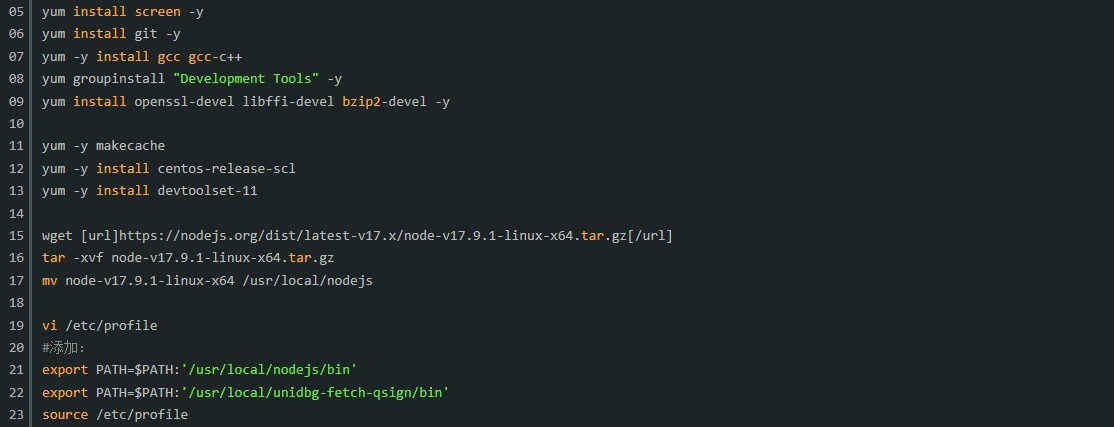
yum install screen -y
yum install git -y
yum -y install gcc gcc-c++
yum groupinstall "Development Tools" -y
yum install openssl-devel libffi-devel bzip2-devel -y

yum -y makecache
yum -y install centos-release-scl
yum -y install devtoolset-11

wget [url]https://nodejs.org/dist/latest-v17.x/node-v17.9.1-linux-x64.tar.gz[/url]
tar -xvf node-v17.9.1-linux-x64.tar.gz
mv node-v17.9.1-linux-x64 /usr/local/nodejs

vi /etc/profile
#添加:
export PATH=$PATH:'/usr/local/nodejs/bin'
export PATH=$PATH:'/usr/local/unidbg-fetch-qsign/bin'
source /etc/profile

yum -y install epel-release
rpm -Uvh [url]http://li.nux.ro/download/nux/dextop/el7/x86_64/nux-dextop-release-0-5.el7.nux.noarch.rpm[/url]
yum install ffmpeg ffmpeg-devel -y
ffmpeg -version

yum install java-1.8.0-openjdk -y

wget [url]https://github.com/fuqiuluo/unidbg-fetch-qsign/releases/download/1.0.5/unidbg-fetch-qsign-1.0.5.zip[/url]
unzip unidbg-fetch-qsign-1.0.5.zip
mv unidbg-fetch-qsign-1.0.5 /usr/local/unidbg-fetch-qsign


bash <(curl -s -L [url]https://ghproxy.com/https://raw.githubusercontent.com/zhenxun-org/zhenxun_bot-deploy/master/install.sh[/url])
cd /home/zhenxun_bot
poetry shell
playwright install
vi /home/go-cqhttp/config.yml
#uin: 【QQ賬號】
#sign-server: '-'
#替換為
#sign-server: 'http://127.0.0.1:8080'


cd /usr/local/unidbg-fetch-qsign
chmod -R 777 /usr/local/unidbg-fetch-qsign/
android_id=$(cat /home/go-cqhttp/device.json | sed 's/,/\n/g' | grep "android_id" | sed 's/:/\n/g' | sed '1d' | sed 's/"http://g')
\unidbg-fetch-qsign --port=8080  --count=5 --library=/home/txlib/8.9.63 --android_id=$android_id
#此段要一直保持運(yùn)行狀態(tài)


ln -s /home/go-cqhttp/config.yml /root/Desktop/go-cqhttp配置文件.yml

rm -rf /home/go-cqhttp/session.token

cd /home
git clone [url]https://github.com/CRAZYShimakaze/zhenxun_extensive_plugin.git[/url]
mv /home/zhenxun_extensive_plugin/* /home/zhenxun_bot/plugins
mv /home/zhenxun_extensive_plugin /home/zhenxun_extensive_plugin_temp

ln -s /home/zhenxun_bot/.env.dev /root/Desktop/修改機(jī)器人管理員QQ.dev

/home/go-cqhttp/go-cqhttp -update-protocol
#此段要一直保持運(yùn)行狀態(tài)


python3.9 bot.py

ln -s /home/zhenxun_bot/configs/config.yaml /root/Desktop/機(jī)器人配置文件.yaml
#首次運(yùn)行才生成機(jī)器人配置文件
#/home/zhenxun_bot/configs/config.yaml


#再次啟動(dòng)機(jī)器人
python3.9 bot.py
#此段要一直保持運(yùn)行狀態(tài)


沒有回復(fù)內(nèi)容